Blog

  • How to Use AI Image Software to Create Engaging and Impactful Visual Content

    Introduction: The Power of Visual Content in the AI Era

    In 2026, visual content remains the primary driver of audience engagement on digital platforms. With the rapid evolution of AI image generation tools, content creators and digital marketers can now create high-resolution, custom visuals tailored to their brand message in record time and with unparalleled precision.

    Step-by-Step Guide to Creating Visual Content with AI

    1. Define the Purpose and Brand Identity

    Before entering prompts into AI software, clearly establish your visual goals. Ensure brand colors, mood, and style align with your overall identity so generated assets fit seamlessly into your marketing channels.

    2. Master Prompt Engineering

    To achieve impressive visual results, structure text prompts using precise descriptive layers:

    • Main Subject: Clearly define the focal point (e.g., “a modern electric vehicle charging at sunset”).
    • Style & Medium: Specify the artistic medium (e.g., “3D render,” “cinematic photography,” or “flat vector illustration”).
    • Lighting & Mood: Describe ambient conditions (e.g., “soft studio lighting,” “dramatic neon contrast,” or “golden hour glow”).
    • Composition & Lens: Indicate perspective (e.g., “wide-angle lens,” “macro close-up,” or “depth of field”).

    3. Edit and Enhance AI Output

    AI generation is often just step one. Utilize image editing platforms like Adobe Photoshop or Canva to add brand logos, typography overlays, or adjust color grading for a polished final design.

    Best Practices for Using AI Images in Marketing

    • Maintain Visual Consistency: Store effective prompt structures and seed numbers to keep image styles unified across campaign assets.
    • Ensure Commercial Compliance: Verify licensing rights for generated artwork to avoid copyright issues on commercial channels.
    • Combine AI with Authentic Assets: Pair generated visuals with real product photography or customer media to preserve authenticity and trust.

    Conclusion

    AI image software in 2026 empowers marketers and content creators to turn imaginative ideas into captivating visual content effortlessly. Mastering these tools will help your brand capture audience attention, stand out from competitors, and drive meaningful engagement.


  • How to Optimize Call to Action Buttons Using Colors, Fonts, and Icons to Increase Conversions

    How to Optimize Call to Action Buttons Using Colors, Fonts, and Icons to Increase Conversions

    Introduction: Visual Impact on Decision-Making in 2026

    In 2026’s fast-paced digital environment, user attention spans are measured in seconds. Visual design elements of Call to Action (CTA) components—such as colors, typography, and icons—play a vital role in directing visitor attention and prompting immediate action, directly contributing to Conversion Rate Optimization (CRO).

    1. Color Psychology and Its Impact on CTAs

    Selecting a CTA button color goes beyond aesthetics; it is rooted in behavioral psychology and visual contrast ratios:

    • High Contrast Principle: The most effective CTA color stands out boldly against your page background. If your page predominantly uses soft blue tones, orange, green, or red buttons typically yield the highest click-through rates.
    • Color Associations in 2026:
      • Green: Symbolizes growth, safety, and confirmation (ideal for sign-ups and order confirmations).
      • Orange & Yellow: Evoke enthusiasm and energy (ideal for limited-time offers and discounts).
      • Blue: Inspires trust and credibility (preferred for financial services and B2B software solutions).
      • Red: Creates a strong sense of urgency; best used carefully for instant actions.
    • Dark Mode Compatibility: In 2026, setting up dynamic contrast is essential to ensure buttons remain clear and readable across both light and dark themes.

    2. Typography and Font Optimization

    Clear, readable typography is key to encouraging user interaction with your CTAs:

    • Modern Web Typography: For digital interfaces, choose clean, highly readable modern fonts such as Cairo, Tajawal, Readex Pro, or IBM Plex Sans.
    • Font Weight & Size: Utilize bold or medium font weights at readable sizes across all devices, ensuring a touch target of at least 48px on mobile screens.
    • Actionable Microcopy: Keep CTA text concise (2 to 4 words) and lead with compelling action verbs (e.g., “Start Free Trial” or “Download Guide Now”).

    3. The Power of Icons and Visual Cues

    Adding a relevant icon to a Call to Action button can increase immediate recognition and visual clarity by up to 30%:

    • Directional Arrows: Simple arrows pointing toward the action motivate users to move forward to the next step.
    • Trust Badges: Small lock icons or checkmarks beside text alleviate anxiety and reassure security during checkout or registration.
    • Direct Action Icons: Use shopping cart icons for purchases, download arrows for file downloads, or phone icons for direct calls.
    • Simplicity over Clutter: Avoid crowded or multiple icons within a single button to keep user focus razor-sharp.

    4. Accessibility and Responsiveness

    To deliver an inclusive user experience compliant with modern 2026 standards:

    • Ensure CTA colors meet Web Content Accessibility Guidelines (WCAG 2.2) so buttons are easily visible to all users, including those with visual impairments.
    • Implement subtle hover effects and micro-animations to provide satisfying visual feedback upon interaction.

    Conclusion

    Combining harmonious colors, crisp typography, and intuitive icons in your Call to Action (CTA) design gives your website a professional look and the psychological pull needed to boost sales and registrations in 2026. Apply these rules and continuously test your button performance for maximum conversion results.

  • AI Image Generators: Create High-Quality, Customized AI Images Effortlessly

    AI Image Generators: Create High-Quality, Customized AI Images Effortlessly

    Introduction: The Revolution of AI Image Generation in 2026

    In 2026, artificial intelligence image generation tools (AI Image Generators) have transformed from emerging technologies into essential pillars of content creation and digital marketing strategies. Businesses and creators now rely on these platforms to produce high-resolution, custom visuals in seconds, dramatically reducing production costs and accelerating campaign workflows.

    Top AI Image Generation Tools in 2026

    The AI landscape offers powerful platforms tailored to various creative and commercial needs:

    1. Midjourney V6 / V7

    Remains the industry leader for generating ultra-realistic, cinematic visual content with unparalleled artistic flair, photorealism, and intricate detail control.

    2. DALL-E 3 & OpenAI Visual Suite

    Fully integrated with ChatGPT, allowing users to generate and refine complex visual ideas using intuitive conversational text prompts.

    3. Adobe Firefly & Photoshop Generative AI

    The preferred choice for commercial designers, offering seamless integration with Creative Cloud tools, full commercial usage rights, and non-destructive image editing.

    4. Stable Diffusion XL & SD3

    An open-source option granting advanced creators complete control over custom model fine-tuning, ControlNet parameters, and local hardware execution.

    Key Advantages of Using AI Image Generators in Marketing

    • Speed & Production Efficiency: Generate dozens of creative concept variations in minutes instead of spending days on manual photography or stock searches.
    • Cost Optimization: Lower content production expenses while scaling custom asset production across all marketing channels.
    • Hyper-Personalization: Easily produce custom visuals tailored to distinct target demographics and seasonal campaigns.
    • Consistent Brand Identity: Train custom AI models or use brand style guidelines to maintain visual cohesion across campaigns.

    How to Write Powerful Text Prompts for Best AI Image Results

    Crafting high-quality AI images relies heavily on writing precise text prompts:

    • Define the Core Subject Clearly: Specify key scene elements (e.g., “a modern entrepreneur reviewing a financial report in a brightly lit office”).
    • Describe Style and Lighting: Include visual details such as “warm natural lighting,” “cinematic photography,” or “modern minimalist aesthetic.”
    • Specify Camera Angles & Image Quality: Use descriptive keywords like “85mm lens,” “8K resolution,” and “ultra-detailed textures.”
    • Avoid Unnecessary Complexity: Structure prompts logically and clearly so the AI model understands your intent without ambiguity.

    Ethics and Copyright in AI Image Usage

    With the widespread adoption of generative tools in 2026, organizations must prioritize transparency and intellectual property rights. Ensure you use platforms offering clear commercial licensing and include appropriate AI disclosure labels when necessary to foster audience trust.

    Conclusion

    AI image generators in 2026 are indispensable creative partners for anyone seeking visual excellence and greater digital impact. Experimenting with these tools and honing your prompt engineering skills will give you a significant competitive edge in modern marketing and design.

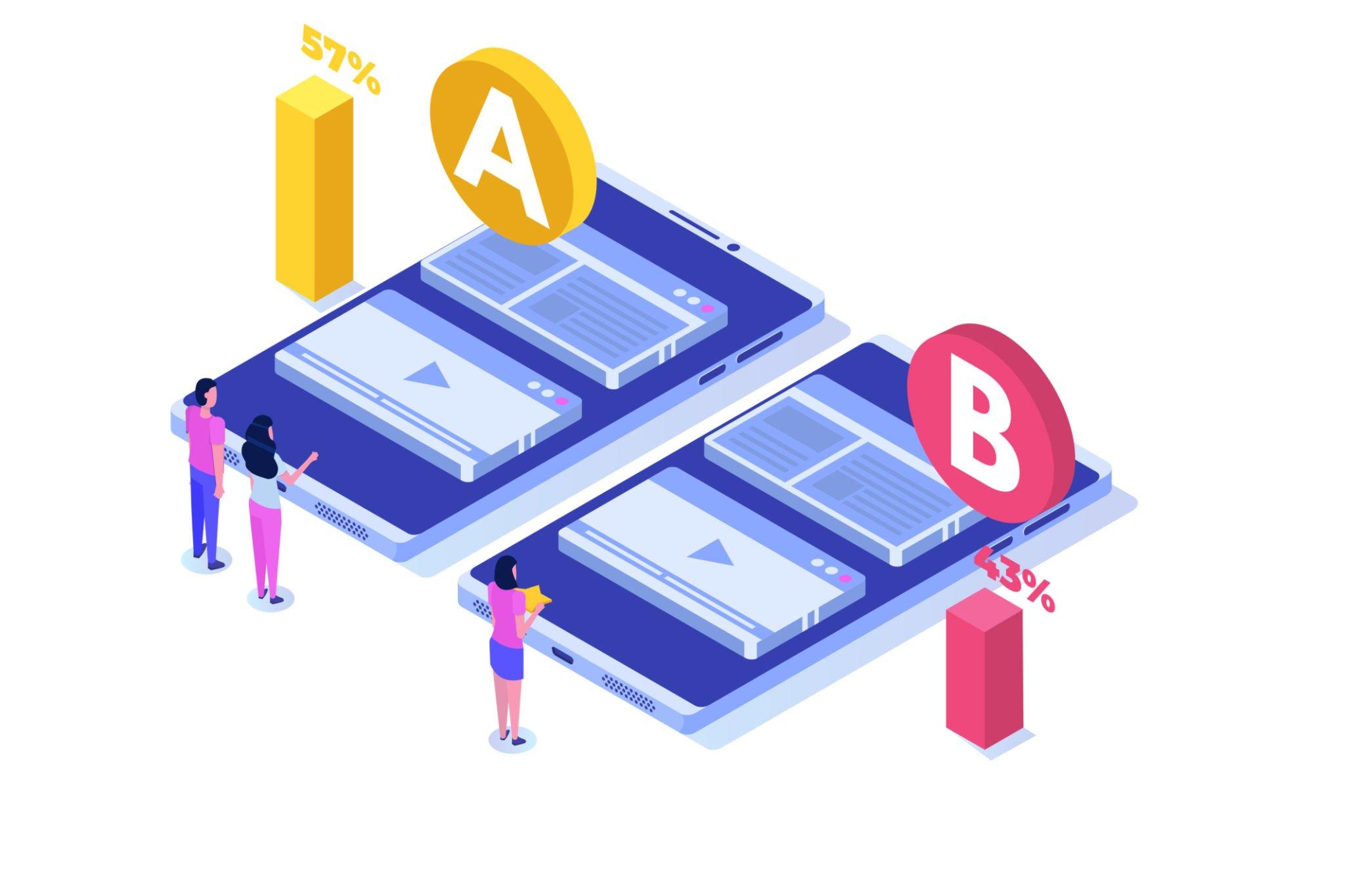
  • How to A/B Test Your Call to Action to Maximize Conversion Rates

    How to A/B Test Your Call to Action to Maximize Conversion Rates

    Introduction: Why Is A/B Testing Your Call to Action (CTA) Essential?

    In modern digital marketing for 2026, the Call to Action (CTA) button serves as the decisive bridge between attracting website visitors and converting them into paying customers or registered leads. Even minor visual or phrasing adjustments can lead to dramatic differences in your overall Conversion Rate (CR).

    This guide walks you through effective strategies and best practices for A/B testing your CTA elements to make data-driven decisions that elevate sales and lead generation performance in 2026.

    Key Elements to A/B Test on Your Call to Action Buttons

    To conduct a precise A/B test, focus on testing one single element at a time to identify what truly drives user behavior:

    • CTA Copy & Text Phrasing: Test action-oriented microcopy (e.g., “Start Your Free Trial”) against value-focused text (e.g., “Get Instant Access Now”) or urgency-driven language (e.g., “Claim Your Discount Today”).
    • Button Colors & Visual Contrast: Test contrasting colors (such as orange, green, or red) against your primary website theme colors to determine which shade catches immediate visual attention.
    • CTA Placement & Position: Test positioning your CTA above the fold vs. below explanatory content, using sticky floating CTA bars, or embedding buttons at the end of comprehensive articles.
    • Button Size, Shape & Effects: Test rounded buttons versus sharp corners, adding simple directional icons, or incorporating subtle micro-animations on scroll.

    Top A/B Testing Tools in 2026

    Following the deprecation of Google Optimize, the market in 2026 offers advanced testing platforms powered by artificial intelligence and multivariate testing capabilities:

    • VWO (Visual Website Optimizer): An all-in-one experimentation platform providing A/B and multivariate testing alongside heatmaps and experience personalization.
    • Optimizely: The enterprise-grade strategic choice for executing complex, web- and app-wide experimentations.
    • PostHog: An excellent open-source product analytics tool featuring feature flags and interface experimentations.
    • Kameleoon & AB Tasty: Premier AI-driven platforms specializing in audience segmentation and automated CTA personalization.

    Best Practices for Accurate and Reliable A/B Test Results

    • Test One Variable at a Time: To obtain clear insights into what drove conversion gains, isolate single variables (such as changing text only or color only).
    • Ensure Adequate Sample Size & Statistical Significance: Avoid rushing conclusions before reaching a sufficient sample size and achieving a statistical significance level of at least 95%.
    • Understand the User Journey: Align CTA messaging with visitor intent at each stage of the buying funnel (awareness, consideration, decision).
    • Commit to Continuous Optimization: A/B testing is an ongoing optimization journey, adapting continuously to evolving consumer behaviors in 2026.

    Conclusion

    Investing in testing and optimizing your Call to Action (CTA) statements is the fastest way to turn existing website traffic into tangible results and multiplied profits without needing massive advertising budgets. Start today by pinpointing your highest-impact elements and using modern tools to measure performance and refine your 2026 digital strategy.

  • How to Use AI to Find Powerful Content Ideas

    How to Use AI to Find Powerful Content Ideas

    Introduction: AI-Driven Content Brainstorming in 2026

    Content creators and digital marketers face the constant challenge of coming up with fresh, engaging ideas to capture audience attention. In 2026, artificial intelligence tools serve as the primary assistant in brainstorming sessions and uncovering hidden marketing opportunities.

    This updated article presents a practical guide to leveraging AI models to generate impactful content ideas for your blog, social media channels, and online store.

    Innovative Techniques for Uncovering Content Ideas with AI

    1. Analyzing Target Audience Pain Points and Questions

    Feed AI tools with actual customer inquiries, reviews, and support tickets to generate article and video concepts that directly address your audience’s immediate challenges.

    2. Trend and Topic Exploration (Trend Analysis)

    • Connect AI models with real-time web search data to identify trending topics in your industry for 2026.
    • Craft unique angles that link trending topics back to your brand’s core offerings.

    3. Content Repurposing

    Use AI to transform long-form blog articles into short video scripts, social media carousels, infographics, or newsletter summaries.

    4. Competitor Content Gap Analysis

    Analyze competitor coverage and prompt AI to pinpoint missing perspectives or uncovered subtopics to create superior content.

    Recommended AI Tools and Prompt Tips for 2026

    • Recommended Tools: ChatGPT-4o, Claude 3.5, Gemini 1.5 Pro, and Perplexity AI.
    • Customized Prompts: Define your audience persona, target goal, and desired tone of voice (professional, educational, engaging).
    • Diversify Formats: Request ideas formatted for text, visual graphics, short videos, and interactive polls.

    Conclusion

    Using AI does not replace human creativity; rather, it amplifies your ability to innovate and produce exceptional content consistently in 2026. Implement these strategies today to keep your content compelling and competitive.

  • How to Improve Your Google Rankings Using ChatGPT for SEO

    How to Improve Your Google Rankings Using ChatGPT for SEO

    Introduction: Integrating ChatGPT into SEO Strategies in 2026

    In 2026, artificial intelligence—specifically ChatGPT—has become an indispensable partner for SEO specialists and content creators aiming for top Google search rankings. It goes beyond automated article generation to encompass strategic keyword research, site architecture optimization, and user experience enhancements aligned with Google’s latest Search & E-E-A-T guidelines.

    Key SEO Applications of ChatGPT

    • Keyword Clustering & Intent Analysis: Group large lists of target keywords by search intent (informational, transactional, commercial) to structure targeted content silos.
    • Crafting Click-Worthy Titles & Meta Descriptions: Generate compelling meta tags optimized for target keywords and high click-through rates (CTR).
    • Content Gap & Outline Generation: Analyze top-ranking competitor pages to construct comprehensive outlines covering topics Google considers authoritative.
    • Structured Data (Schema Markup): Automatically generate JSON-LD schema code (FAQ, Article, Product, Organization) for rich snippet eligibility.

    Maintaining E-E-A-T Standards (Experience, Expertise, Authoritativeness, Trustworthiness)

    While ChatGPT accelerates content production, human review remains vital. Always verify factual accuracy, inject unique firsthand experience, and maintain original insights to comply with Google’s quality evaluator guidelines.

    Conclusion

    Combining ChatGPT’s analytical capabilities with human expertise allows you to scale SEO workflows efficiently, drive organic traffic, and secure top rankings on search engine results pages in 2026.

  • How to Use AI Image Generators to Create Visuals from Text, Voice, and Video

    How to Use AI Image Generators to Create Visuals from Text, Voice, and Video

    Introduction: The Generative AI Image Revolution in 2026

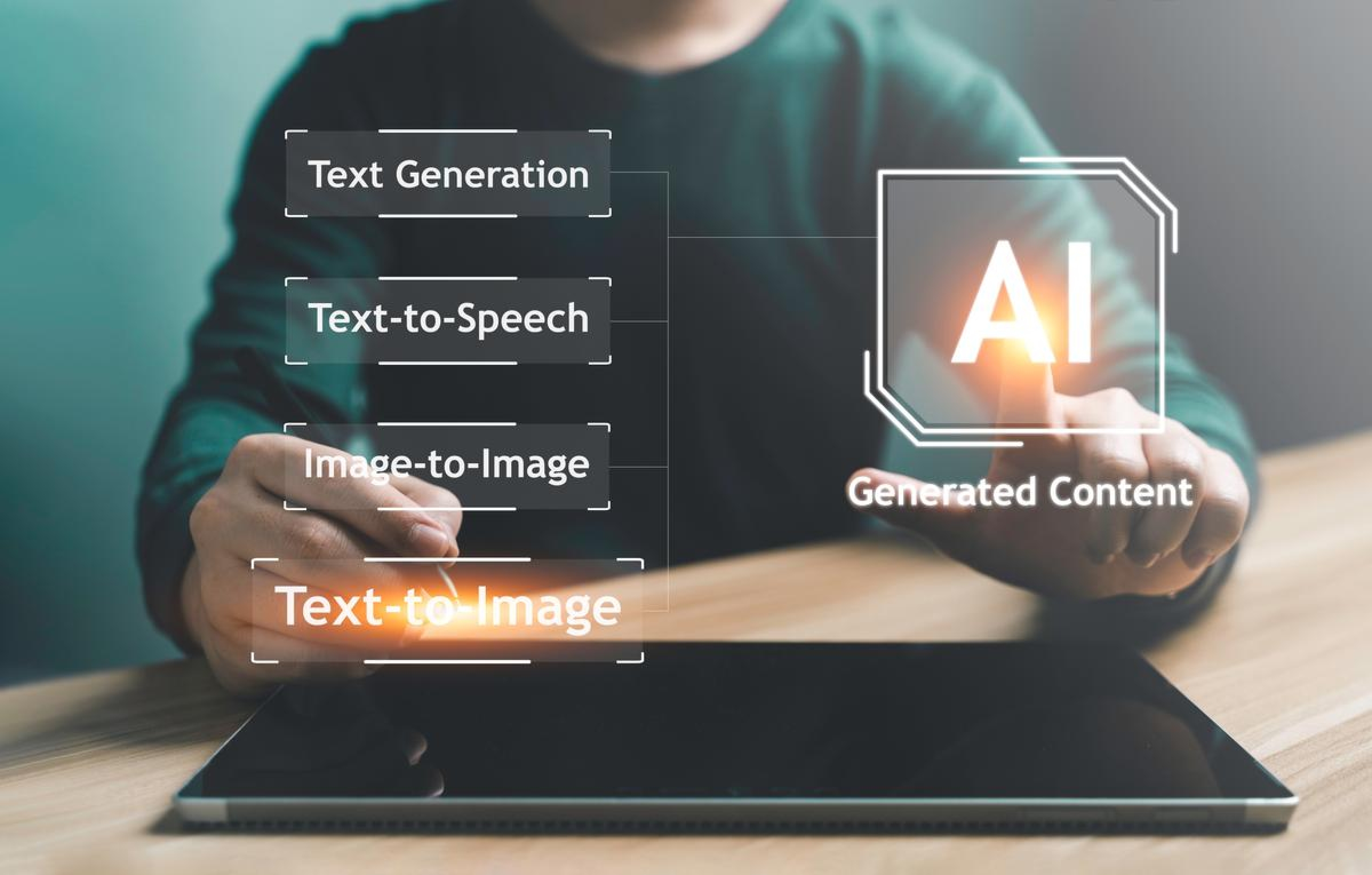
    The year 2026 has witnessed a massive leap in generative AI tools, making it effortless to transform text prompts, voice notes, and video snippets into stunning high-resolution images and visual assets with a single click. This technology is no longer restricted to professional designers; it has become an essential pillar for digital marketing and content creation.

    In this comprehensive guide, we examine the latest tools and practical techniques to leverage AI image generators for your brand and online store.

    Top AI Image Generation Tools in 2026

    • Midjourney v6 & Later: Renowned for photorealistic render quality, artistic control, and advanced prompt adherence.
    • DALL-E 3 (OpenAI): Seamlessly integrated with ChatGPT for intuitive conversational prompt refinement and exact text rendering inside images.
    • Stable Diffusion 3: Highly customizable open model offering precise ControlNet capabilities for complex typography and composition.
    • Adobe Firefly 3: Designed specifically for commercial safety, seamlessly integrated with Photoshop and Illustrator workflows.

    Generating Visuals from Audio and Video Inputs

    Modern multimodal AI models can transcribe audio instructions or analyze video frames to automatically render matching graphics, social media banners, and product mockups without manual prompt typing.

    Best Practices for Crafting Effective Prompts

    • Be specific about subject matter, lighting, photographic style, camera lens type, and color palette.
    • Specify aspect ratios appropriate for your distribution platform (e.g. 16:9 for blogs, 1:1 or 9:16 for social media).
    • Incorporate negative prompts to filter out unwanted artifacts and clutter.

    Conclusion

    AI image generators empower creators and business owners to produce high-impact marketing visuals rapidly and cost-effectively. Master these tools in 2026 to keep your visual content captivating and ahead of competitors.

  • How to Create a Successful Call to Action (CTA)

    How to Create a Successful Call to Action (CTA)

    Introduction: The Concept of Call to Action (CTA) and Its Importance in 2026

    A Call to Action (CTA) serves as the crucial bridge connecting visitor attention to actual user conversion. In 2026, given evolving user behaviors and intense digital competition, generic phrases like “click here” are no longer effective.

    In this updated practical guide, we explore the secrets and strategies for creating compelling Calls to Action that significantly boost conversion rates for your website, landing pages, and e-commerce store.

    Essential Rules for Crafting High-Converting CTAs

    • Use Clear, Action-Oriented Verbs: Start your CTA with direct action verbs such as “Download Your Guide,” “Claim Your Free Trial,” or “Start Shopping Now.”
    • Highlight Immediate Value: Clearly communicate what the user gains by clicking, focusing on benefits rather than features.
    • Create Urgency and Scarcity: Use time-sensitive phrasing like “Limited-Time Offer” or “Get Started Today” to encourage prompt action.
    • Ensure Visual Contrast: Design CTA buttons with prominent contrast colors that stand out cleanly from surrounding background elements.
    • Optimize Placement and Whitespace: Position CTAs above the fold and at logical decision points throughout your content.

    Testing and Continuous Optimization (A/B Testing) in 2026

    Consistently test different button colors, microcopy text, sizes, and placements using A/B testing tools. Data-driven adjustments ensure your CTAs continuously achieve optimal click-through and conversion rates.

    Conclusion

    A well-crafted CTA transforms passive content consumers into active customers. Apply these proven strategies today to optimize user engagement and maximize return on marketing investment.

  • How to Recover a Hacked or Stolen Instagram Account

    How to Recover a Hacked or Stolen Instagram Account

    Every day, many social media users fall victim to account theft through sophisticated phishing tactics. Common methods include clicking fraudulent links in messages claiming account verification, threat of account suspension, or fake copyright appeals. Victims are often tricked into logging in through fake login pages, giving attackers access to their credentials, email, phone number, and two-factor authentication codes.

    Immediate Steps to Take When Your Instagram Account Is Hacked

    If you lose access to your Instagram account, act quickly using the following recovery procedure:

    1. Check Email for Security Messages from Instagram: If your email address was changed, Instagram sends an alert from [email protected] containing a “revert this change” link. Click it immediately to restore your email.
    2. Request a Login Link or Support Code: On the Instagram login screen, tap “Get help logging in” (Android) or “Forgot password?” (iOS). Enter your username, email, or phone number.
    3. Submit Identity Verification (Selfie Video): If the hacker changed your email and phone number, tap “Need more help?” and select “My account was hacked”. Instagram will request a video selfie to verify your identity against photos on your profile.
    4. Secure Linked Accounts: Immediately change passwords and revoke access on linked Facebook accounts, email accounts, and connected applications.

    How to Protect Your Instagram Account from Future Hacks in 2026

    • Enable Two-Factor Authentication (2FA): Use an authenticator app (such as Google Authenticator or Duo) rather than SMS.
    • Use a Strong, Unique Password: Avoid re-using passwords across multiple platforms.
    • Beware of Phishing Links: Instagram never contacts users via Direct Messages regarding account verification or copyright violations. Official communications appear under Settings > Security > Emails from Instagram.
    • Keep Recovery Codes Safe: Save your Instagram 2FA backup codes in a secure password manager.

    Conclusion

    Recovering a stolen Instagram account requires fast action and persistence. Following official recovery channels and securing your contact information will help safeguard your online identity in 2026.

  • How to Change or Add a WordPress.com Account in Jetpack on Begin

    How to Change or Add a WordPress.com Account in Jetpack on Begin

    Introduction: Managing Jetpack and WordPress.com Connections in 2026

    Connecting your store or website built on the Begin platform to a WordPress.com account via Jetpack is an essential step to benefit from advanced security features, real-time visitor statistics, and smart mobile app management. With the new 2026 updates, changing accounts or reconnecting has become smoother and more secure, ensuring uninterrupted services and data safety.

    In this detailed guide, we review the exact steps to disconnect an existing account and reconnect a new WordPress.com account in Jetpack effortlessly.

    Steps to Disconnect the Current Account in Jetpack

    If you need to transfer site management to a new WordPress.com account or change the currently linked account, follow these steps inside your WordPress dashboard on Begin:

    • Step 1: Log in to your website dashboard on the Begin platform.
    • Step 2: Go to the Jetpack sidebar menu and click on Dashboard.
    • Step 3: Scroll down to the Connections section.
    • Step 4: Find the Site Connections box and click the Manage site connection link.
    • Step 5: A confirmation popup will appear; click Disconnect.
    • Step 6: Once completed and the confirmation message appears, click No thank you to close the modal.

    Steps to Connect a New Account and Activate Jetpack

    After disconnecting the old account, follow these instructions to link the new account:

    • Step 1: Click the Set up Jetpack button at the top of your site dashboard.
    • Step 2: You will be redirected to the WordPress.com login page. Enter the username and password for the new account.
    • Step 3: On the plans and subscriptions page, scroll down and click Start for free to select the free Jetpack Free plan.
    • Step 4: Once connected, you can immediately manage your store via the WooCommerce and WordPress mobile apps.

    Key Tips for Connection Stability in 2026

    To ensure optimal performance and high security after changing accounts, adhere to the following best practices:

    • Review User Roles: Ensure the new account holds full Administrator permissions on your site.
    • Enable Two-Factor Authentication (2FA): Secure your WordPress.com account against unauthorized access.
    • Verify WooCommerce Sync: Open the WooCommerce app on your phone to confirm real-time order and sales notifications.

    Conclusion

    By applying these simple steps, you can manage Jetpack connections and WordPress.com accounts with complete flexibility on the Begin platform in 2026, keeping your online store operating securely and efficiently.