


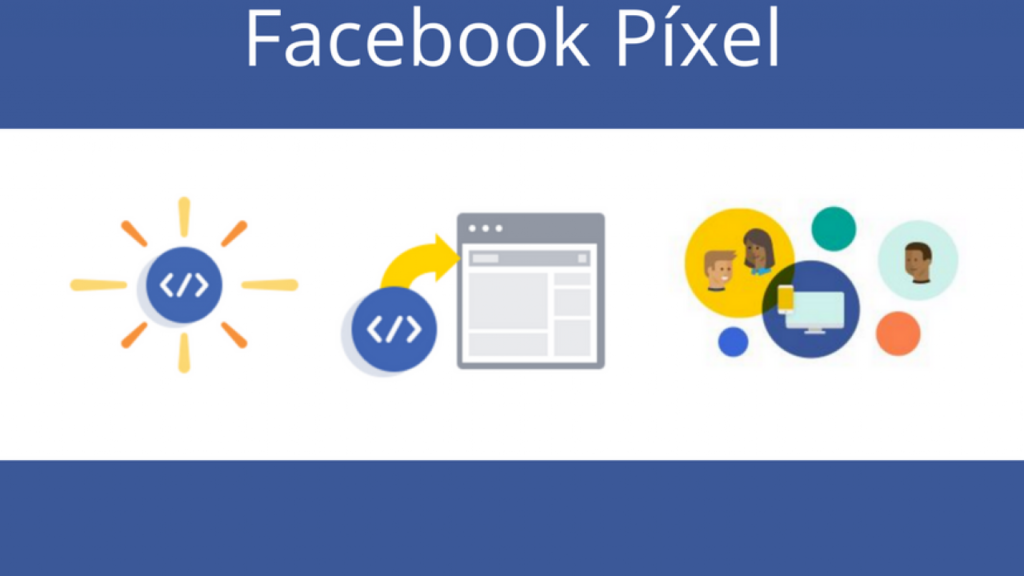
Comprehensive Guide to Meta Pixel and Conversions API (CAPI) in 2026
Meta Pixel—formerly known as Facebook Pixel—remains one of the most essential technical tools in digital advertising and e-commerce. In 2026, amid privacy regulations and browser tracking restrictions, tracking technology has evolved to combine traditional browser pixels with the server-side Conversions API (CAPI) to ensure accurate ad performance measurement.
What Is Meta Pixel and How Does It Work?
Meta Pixel is a JavaScript code snippet embedded in the header of your website. The pixel monitors visitor interactions and actions on your site (such as viewing a product, adding an item to cart, or completing checkout) and transmits this behavioral data to your Meta Ads Manager account.
Why Conversions API (CAPI) Is Essential Alongside Meta Pixel in 2026
With the phase-out of third-party cookies, ad blockers, and mobile privacy controls, browser-based pixel tracking alone can miss crucial event data. Integrating Conversions API (CAPI) streams conversion events directly from your web server to Meta’s servers, ensuring:
- Higher Conversion Tracking Accuracy: Recovers missing data blocked by browser privacy controls or ad blockers.
- Improved Ad Performance & ROAS: Feeds Meta’s AI algorithms complete event data to optimize ad delivery for high-intent buyers.
- Enhanced Customer Match Quality: Increases the match rate between website purchase events and Meta user profiles.
Key Business Benefits of Implementing Meta Pixel & CAPI
- Smart Retargeting Campaigns: Serve customized ads to users who visited specific product pages without purchasing.
- Custom & Lookalike Audience Building: Create high-converting ad audiences that mirror the characteristics of your best existing customers.
- Conversion Optimization: Direct ad spend toward users with the highest probability of completing desired actions (purchases, sign-ups, leads).
- Accurate Performance Attribution: Measure exact cost-per-acquisition metrics and true Return on Ad Spend.
Step-by-Step Meta Pixel & CAPI Setup
- Navigate to Meta Events Manager within your Meta Business Manager account.
- Click Connect Data Sources, select Web, and name your pixel.
- Select setup method: Choose Conversions API and Meta Pixel for full tracking accuracy.
- Install the tracking code: Connect via partner integrations (WordPress / WooCommerce, Shopify, Google Tag Manager) or embed the code manually between the
<head>and</head>tags. - Verify installation using the Test Events tool to confirm live pixel and CAPI signals.
Summary
Setting up Meta Pixel alongside Conversions API is the essential first step for running profitable Meta ad campaigns in 2026, guaranteeing data precision and maximizing return on marketing investment.