


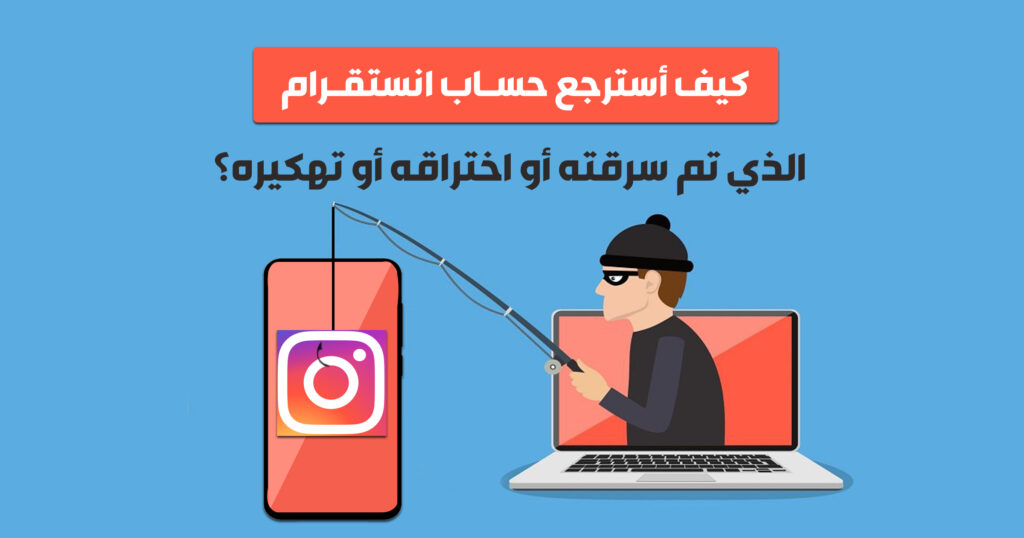
Every day, many social media users fall victim to account theft through sophisticated phishing tactics. Common methods include clicking fraudulent links in messages claiming account verification, threat of account suspension, or fake copyright appeals. Victims are often tricked into logging in through fake login pages, giving attackers access to their credentials, email, phone number, and two-factor authentication codes.
Immediate Steps to Take When Your Instagram Account Is Hacked
If you lose access to your Instagram account, act quickly using the following recovery procedure:
- Check Email for Security Messages from Instagram: If your email address was changed, Instagram sends an alert from
security@mail.instagram.comcontaining a “revert this change” link. Click it immediately to restore your email. - Request a Login Link or Support Code: On the Instagram login screen, tap “Get help logging in” (Android) or “Forgot password?” (iOS). Enter your username, email, or phone number.
- Submit Identity Verification (Selfie Video): If the hacker changed your email and phone number, tap “Need more help?” and select “My account was hacked”. Instagram will request a video selfie to verify your identity against photos on your profile.
- Secure Linked Accounts: Immediately change passwords and revoke access on linked Facebook accounts, email accounts, and connected applications.
How to Protect Your Instagram Account from Future Hacks in 2026
- Enable Two-Factor Authentication (2FA): Use an authenticator app (such as Google Authenticator or Duo) rather than SMS.
- Use a Strong, Unique Password: Avoid re-using passwords across multiple platforms.
- Beware of Phishing Links: Instagram never contacts users via Direct Messages regarding account verification or copyright violations. Official communications appear under Settings > Security > Emails from Instagram.
- Keep Recovery Codes Safe: Save your Instagram 2FA backup codes in a secure password manager.
Conclusion
Recovering a stolen Instagram account requires fast action and persistence. Following official recovery channels and securing your contact information will help safeguard your online identity in 2026.