


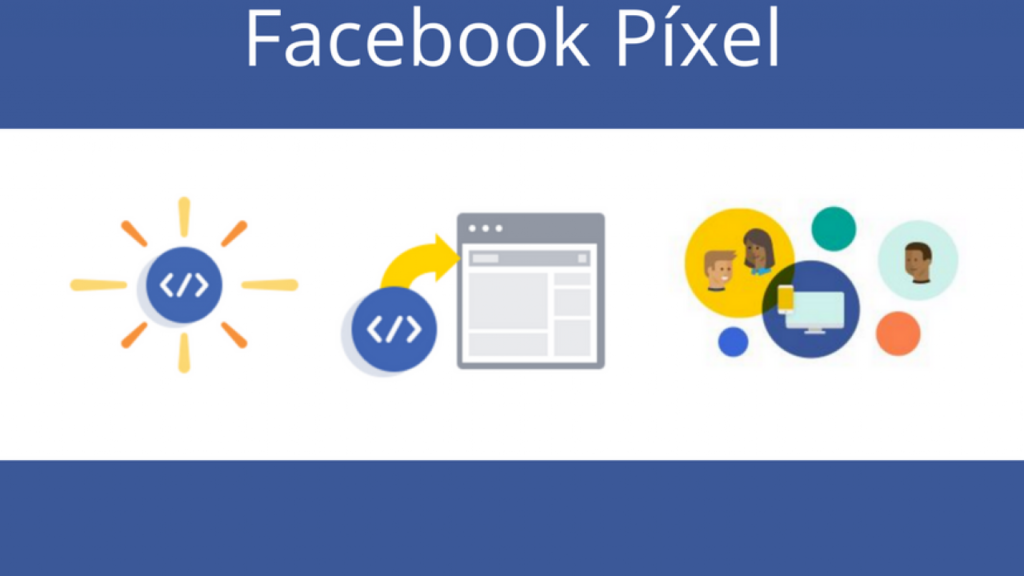
What is Meta (Facebook) Pixel & How Does It Work in 2026?
Meta (Facebook) Pixel is a small piece of tracking code installed on your website or online store to track visitor actions and behaviors. The pixel logs user interactions and events, such as viewing a product page, adding a product to the cart, or completing a purchase.
With modern privacy restrictions and the deprecation of third-party cookies, Meta Pixel evolved in 2026 to operate hand-in-hand with Conversions API (CAPI) to ensure tracking accuracy and data completeness.
Why is Meta Pixel + CAPI an Absolute Necessity for Your Ad Campaigns?
- Precise Retargeting: Deliver customized ads to individuals who visited your store or abandoned items in their cart without completing a purchase.
- Conversion Optimization: Direct your ads toward users most likely to take a specific action (such as purchasing or registering).
- Lookalike Audiences: Help Meta’s algorithms discover new users who mirror the behavior of your best existing customers.
- Measuring Ad ROAS: Identify exactly which ads and campaigns generate genuine sales and which require adjustments.
Core Standard Events in Meta Pixel
The pixel and CAPI server track a essential set of standard events, most notably:
- PageView: Visiting any page on the website.
- ViewContent: Viewing specific content or product pages.
- AddToCart: Adding a product to the shopping cart.
- InitiateCheckout: Starting the checkout process.
- Purchase: Successfully completing a sale and payment.
- Lead: Capturing prospective customer info (contact form or subscription).
How to Install and Activate Meta Pixel & CAPI in Simple Steps
1. Create the Pixel in Events Manager
From your Meta Ads account, navigate to Events Manager, select Connect Data Sources, choose Web, and name your pixel.
2. Partner Integration Installation
If you use platforms like Shopify, WooCommerce, WordPress, Salla, or Zid, you can connect automatically with a single click without touching code.
3. Activate Dual Connection with Conversions API (CAPI)
To prevent data loss from ad blockers or browser restrictions, enable CAPI to send server-side data directly from your server to Meta servers simultaneously with the pixel.
4. Test Events & Verify Event Match Quality (EMQ)
Use the Test Events tool inside Events Manager to verify data transmission and matching, ensuring a high Event Match Quality (EMQ) score for maximum ad efficiency.
Conclusion
Meta Pixel and Conversions API are the eyes through which your ads navigate to success in 2026. Activating them correctly guarantees lower advertising costs and tangibly higher store profits.